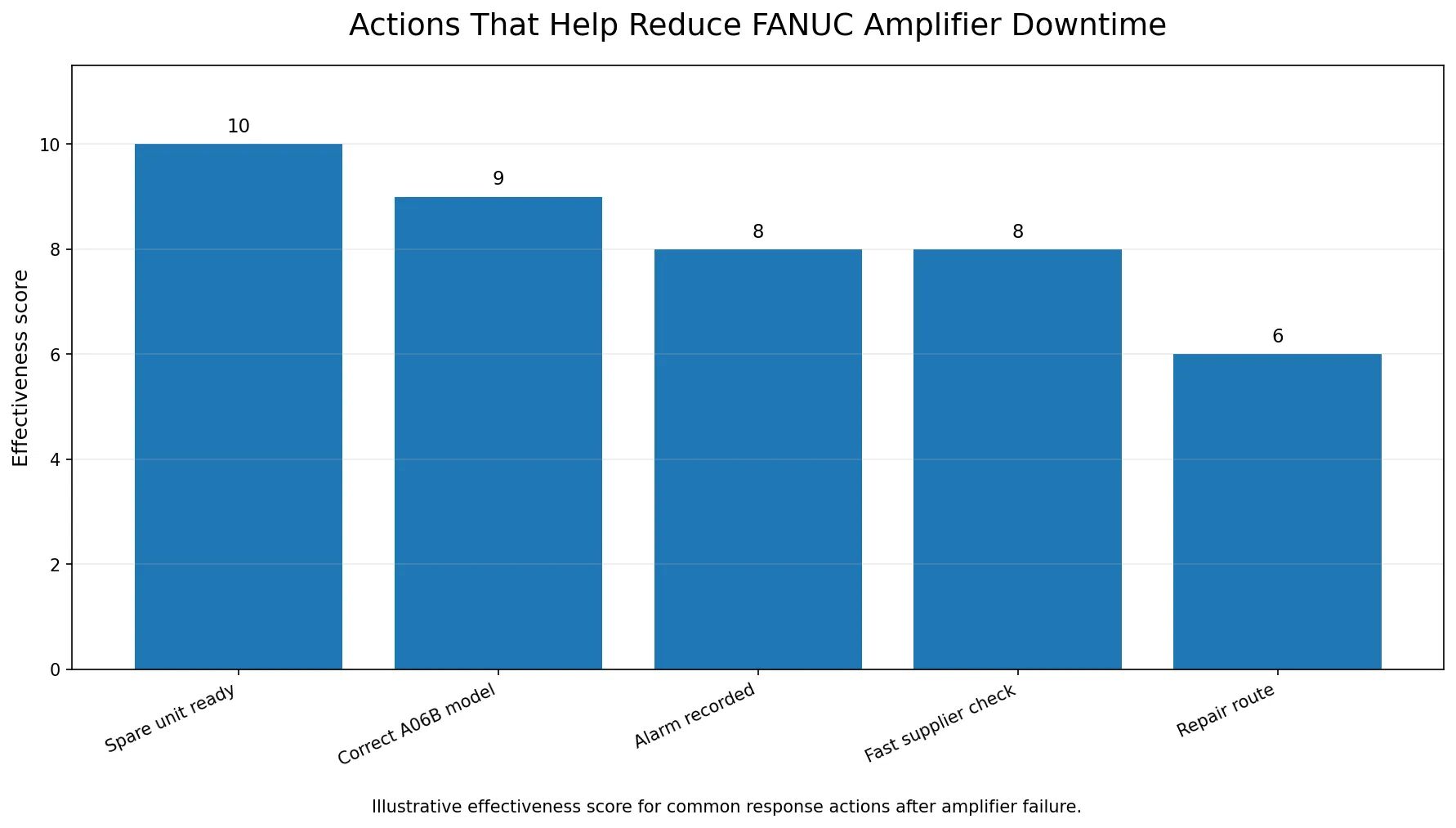
A FANUC amplifier failure can stop a CNC machine immediately. For a factory, the real cost is not only the price of the amplifier. The bigger problem is production delay, machine idle time, operator waiting time and urgent shipping pressure. To reduce downtime, the maintenance team should record the alarm, confirm the exact FANUC A06B model, check the failure environment, and decide quickly whether replacement or repair is the better option.
Key Takeaways
- Record the alarm before repeated reset or power cycling.
- Confirm the full FANUC A06B model number from the nameplate.
- Check the failure environment before installing a replacement.
- Replacement is usually faster than repair during urgent downtime.
- Critical machines should have a spare parts plan for high-risk FANUC amplifiers.
This article gives a practical downtime response process for FANUC servo amplifiers, spindle amplifiers and related A06B spare parts. For a broader buying guide, read FANUC A06B series spare parts buying guide.
Step 1: Record the alarm before doing anything else
When the amplifier alarm appears, record the information before repeated reset or power cycling. Useful details include:
- Alarm code on the CNC screen
- Alarm code on the amplifier display if visible
- Axis or spindle related to the fault
- What happened before the alarm
- Whether the alarm appears immediately after power-on or during operation
- Photos or videos of the alarm screen
This information helps the technician and supplier understand whether the problem is likely related to the amplifier, motor, cable, power supply, cooling fan or another machine condition.
FANUC Amplifier Failure Response Checklist
| Step | Action | Purpose |
|---|---|---|
| 1 | Record CNC and amplifier alarm codes | Understand the failure situation |
| 2 | Confirm full A06B model number | Avoid wrong part quotation |
| 3 | Check motor, cable and cooling condition | Reduce repeat failure risk |
| 4 | Decide replacement or repair | Match downtime urgency and budget |
| 5 | Send complete request to supplier | Speed up quotation and shipping |
| 6 | Record spare parts history | Prepare for future failures |
Step 2: Confirm the full FANUC A06B model
The fastest quotation starts with the exact model. A request such as "FANUC amplifier failed" is too broad. A request such as "Please check FANUC A06B-6150-H030 with nameplate photo attached" is much easier to process.
Check the amplifier label and record:
- Complete model number
- Suffix or specification code
- Serial number if visible
- Product rating
- Quantity required
Examples of model-based product pages include A06B-6150-H030 and A06B-6150-H037. If you are not sure how to identify the model, use the checklist in How to identify a FANUC servo amplifier by model number.
Step 3: Check the failure environment
A replacement amplifier may not last if the root cause is outside the amplifier. Before installing a new unit, maintenance engineers should check:
- Motor insulation and motor condition
- Servo or spindle cable condition
- Power supply status
- Cooling fan operation
- Cabinet temperature and dust
- Loose terminals or damaged connectors
- Recent machine crash or overload
Academic work on machine tool predictive maintenance often focuses on monitoring signals and operating conditions before failure. For example, a CIRP Annals paper on sensorless automated condition monitoring for machine tools discusses the use of signals available in position-controlled drives. A separate study on predictive maintenance of machine tool systems using AI applies data-driven methods to machine tool elements such as the spindle motor. These papers are not buying instructions, but they support a practical maintenance principle: record operating data and fault symptoms, not only the failed part number.
Step 4: Decide replacement or repair
For urgent downtime, replacement is usually faster than repair. The decision can be made with this simple rule:
- Choose replacement when the machine is stopped, production is urgent, and stock is available.
- Choose repair when the model is hard to find, the machine can wait, or the budget requires a lower-cost route.
- Choose both when the plant wants to restart quickly with replacement and repair the old unit as future backup.
For critical machines, keeping one tested spare amplifier can reduce future downtime. This is especially useful for older machines using hard-to-source FANUC A06B parts.
Common Mistakes After a FANUC Amplifier Failure
- Restarting repeatedly without recording the alarm
- Buying replacement parts before confirming the full model number
- Replacing the amplifier without checking motor or cable faults
- Waiting for repair when urgent replacement stock is available
- Having no spare parts list for critical CNC machines
Step 5: Prepare a fast supplier message
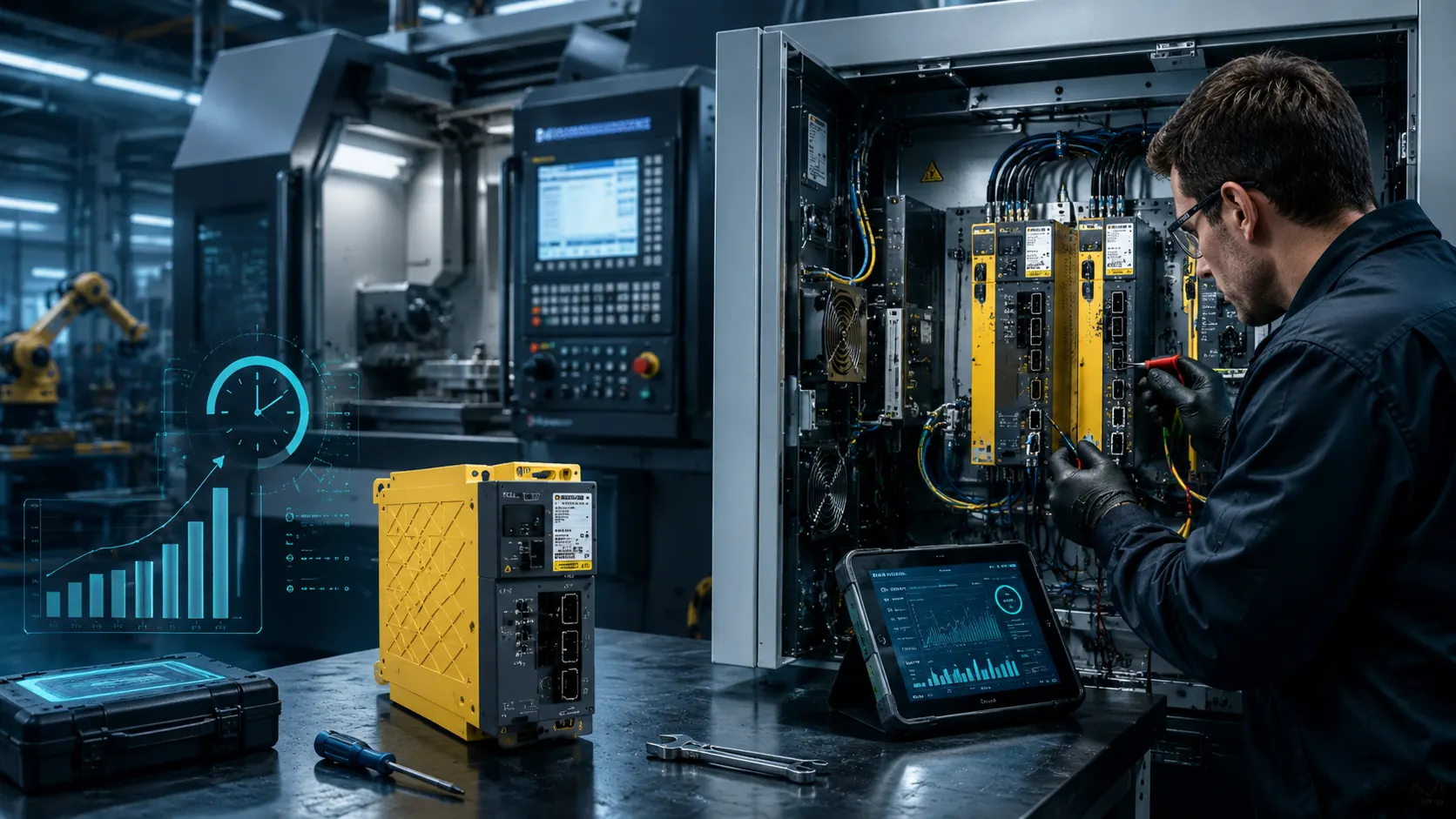
A clear message can save hours. Instead of sending several small messages, prepare one complete request:
Fast Quotation Message Example
"Hello, our CNC machine stopped with a FANUC amplifier alarm. The model is A06B-____-____. Nameplate photo, alarm photo and front photo are attached. Please help check availability, condition and fastest shipping to ____."
Include:
- Model number
- Photos
- Alarm code
- Quantity
- Delivery country
- Required condition
- Required delivery time
This helps VCOCNC or another spare parts supplier respond quickly and avoid repeated questions.
Popular Emergency Replacement Models
| Model | Common Description | Link |
|---|---|---|
| A06B-6150-H030 | AiPS-30HV Power Supply Module | FANUC A06B-6150-H030 AiPS-30HV Power Supply Module |
| A06B-6150-H037 | AiPS-37HV Power Supply Module | FANUC A06B-6150-H037 AiPS-37HV Power Supply Module |
| A06B-6110-H030 | PSM-30i Power Supply Module | FANUC A06B-6110-H030 PSM-30i Power Supply Module |
| A06B-6140-H006 | AiPS-5.5 Power Supply Module | FANUC A06B-6140-H006 AiPS-5.5 Power Supply Module |
Step 6: Plan spare parts for critical machines
If one FANUC amplifier failure can stop your key production line, consider a spare parts plan. The plan does not need to be complicated. Start with the machines that create the highest downtime risk.
Record:
- Machine name and serial number
- Installed FANUC amplifier models
- Installed motor models
- CNC system model
- Historical alarms
- Whether the machine has backup parts
- Supplier quotation history
Research on remote monitoring and maintenance systems for machine tools discusses the value of collecting machine status and maintenance information remotely. For a small or medium factory, even a simple internal spare parts list can provide similar practical value: when the machine stops, the team already knows what model to check.
Related reading and urgent replacement checks
These related resources can help maintenance teams confirm the right FANUC model and prepare a faster quotation request:
- FANUC A06B series spare parts buying guide
- How to identify a FANUC servo amplifier by model number
- What information should be recorded before buying CNC spare parts
- FANUC A06B-6150-H030 AiPS-30HV Power Supply Module
- FANUC A06B-6150-H037 AiPS-37HV Power Supply Module
Safety note
FANUC amplifier replacement should only be done by qualified engineers. CNC electrical cabinets can contain dangerous voltage. Machine electrical safety is addressed by standards such as IEC 60204-1. Always follow the machine builder's instructions and local safety rules.
FAQ
What should I record first when a FANUC amplifier fails?
Record the CNC alarm code, amplifier display alarm, full model number and nameplate photo before repeated restart.
Is replacement always better than repair?
Not always. Replacement is usually faster for urgent downtime, while repair may be suitable if the machine can wait or the model is difficult to source.
Why can a replacement amplifier fail again?
If the original fault was caused by motor short circuit, cable damage, cooling failure or power supply issues, the replacement may fail again unless the root cause is checked.
What should I check first when a FANUC amplifier fails?
Record the alarm code, take photos, and confirm the full FANUC A06B model number before requesting a quotation.
Can I restart the machine repeatedly after an amplifier alarm?
Repeated restart without diagnosis may increase risk. Record the alarm and let qualified maintenance staff check the machine.
Is replacement faster than repair?
Usually yes, if stock is available. Repair may be useful when the machine is not urgent or the model is difficult to source.
Should I keep FANUC amplifiers in stock?
For critical CNC machines, keeping tested backup parts can reduce future downtime, especially for older A06B models.
Conclusion
To reduce downtime after a FANUC amplifier failure, do not start with price only. Start with the alarm, exact A06B model, nameplate photo and failure environment. Then decide whether urgent replacement, repair or backup planning is the best choice.
Send your FANUC amplifier model or nameplate photo to VCOCNC. We can help check stock, condition and shipping options for FANUC CNC spare parts.